Smart Home Starter Kit: The Three Devices Worth Buying First (and the Ones We'd Buy)
You don't need a hub, an ecosystem or a weekend of setup. Start with a smart bulb, a smart plug and a video doorbell — here's why those three, what to check before you buy, and the models we'd start with.

Our picks
Prices checked September 4, 2026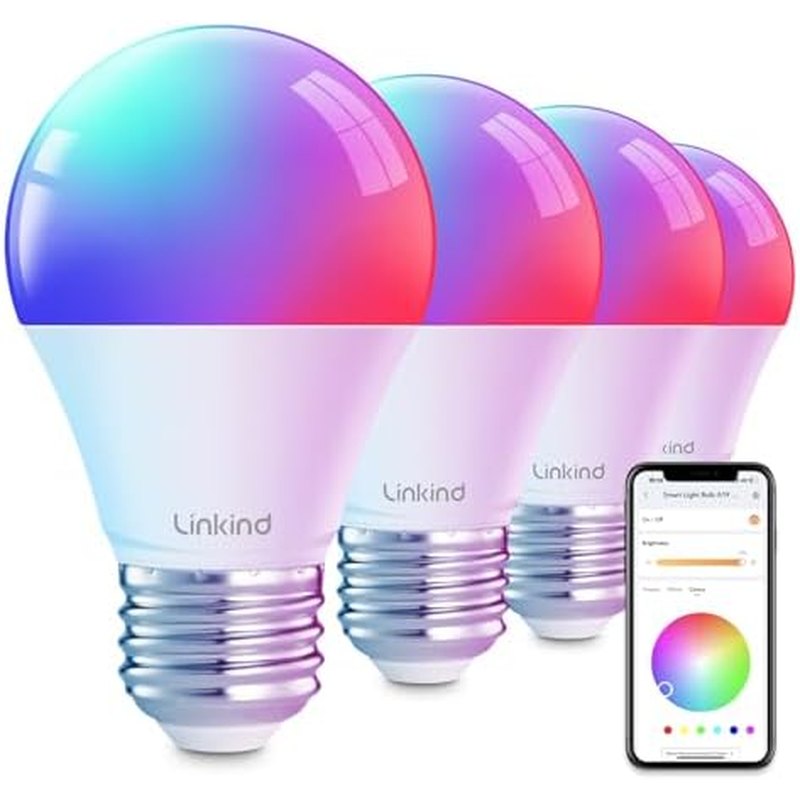
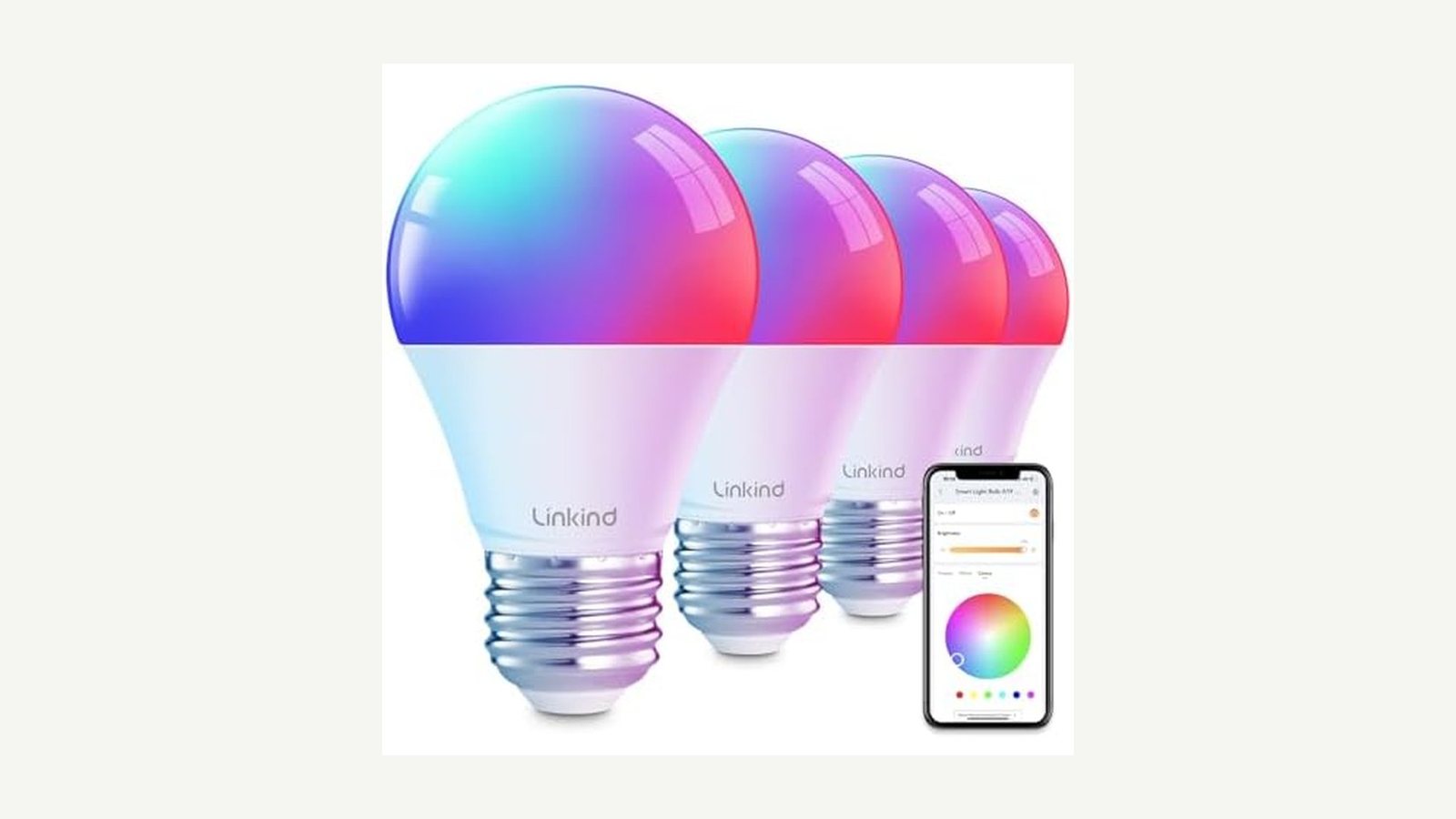
Linkind Smart Bulbs (A19, 2-pack)
Wi-Fi bulbs that screw into a normal socket, pair in the AiDot app in two minutes, and work with Alexa and Google without a hub. Dimmable, tunable white and color, and cheap enough to try before you commit to anything.
A19 / E26 baseWi-Fi, no hubAlexa + GoogleColor + tunable white
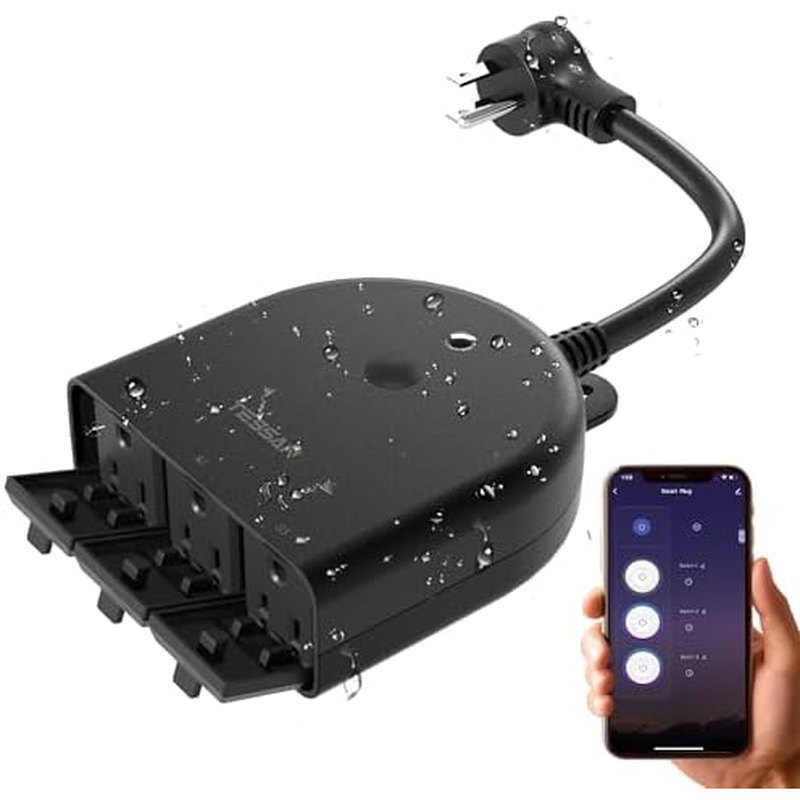
TESSAN Outdoor Smart Plug (15A, 3 outlets)
A weatherproof plug rated for 15 A / 1,875 W, so it can switch string lights, a fountain pump or holiday decorations on a schedule. Three outlets controlled together; 2.4 GHz Wi-Fi only, which is the norm.
15 A / 1,875 W3 outletsWeather resistantSchedules + timers
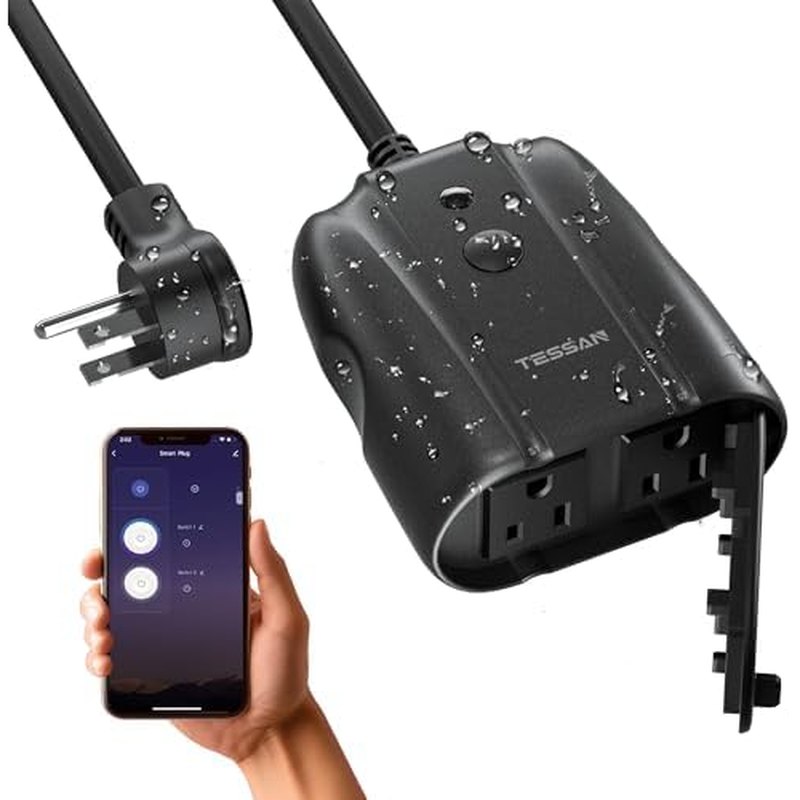
TESSAN Outdoor Smart Plug (IP44, 2 sockets)
Same brand, IP44 splash rating, two individually controlled sockets — useful when the porch light and the garden lights should run on different schedules.
IP442 independent socketsWi-Fi 2.4 GHzVoice control
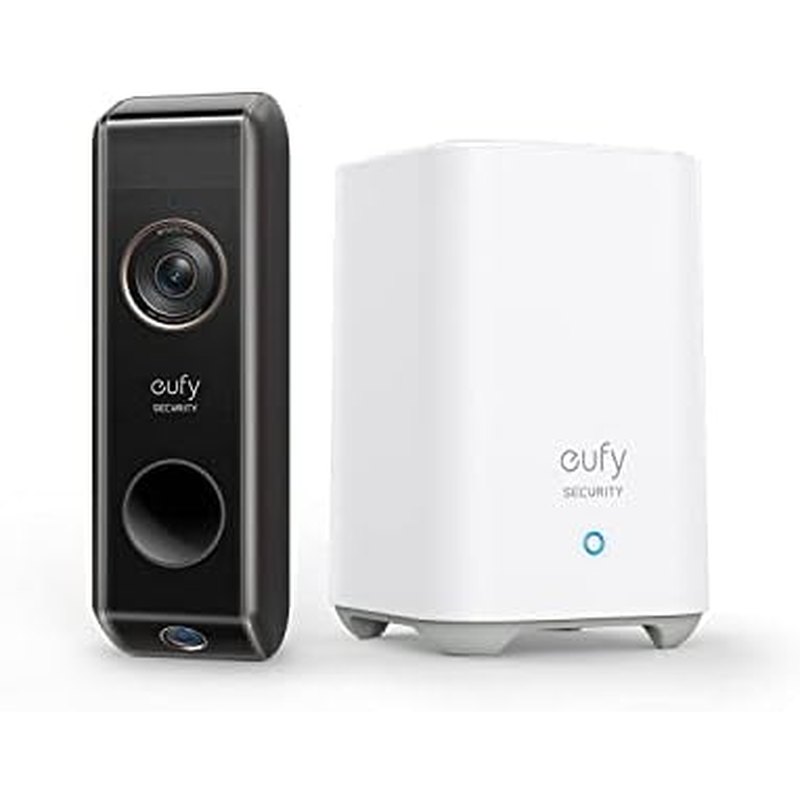
eufy Security Video Doorbell (Dual Camera, 2K, battery)
2K main camera plus a second downward camera that shows packages on the step, local storage in the included base, and no monthly fee. Battery-powered, so it works on a rental door where you can't run wire.
2K + package camLocal storageNo subscriptionBattery or wired
Most smart-home advice starts with a hub, an ecosystem decision and a spreadsheet. That’s backwards. Nobody knows whether they’ll enjoy a smart home until they’ve lived with two or three devices, and the devices that teach you the most are also the cheapest and the easiest to return.
We went through owner reviews of the entry-level smart devices in every category — bulbs, plugs, doorbells, cameras, thermostats, locks, sensors — and sorted them by one question: which ones do people still use six months later? Three categories came out far ahead. This guide explains why those three, what to check before you buy each one, and which models we’d start with.
Why these three
| Device | What it fixes | Setup | Risk if you hate it |
|---|---|---|---|
| Smart bulb | Lamps that are awkward to reach; lights on a schedule; dimming without rewiring | Screw in, pair in app, 2 minutes | Unscrew it. Bulb still works as a bulb. |
| Smart plug | Anything with a physical on/off you want scheduled: string lights, a fan, a heater, a coffee maker | Plug in, pair, 2 minutes | Unplug it. |
| Video doorbell | Knowing who’s at the door and where your parcel went | 20–40 minutes; drilling if battery-mount | Return within the window; most are easy to remove |
Notice what’s not on the list. Smart locks change how you get into your own house and fail badly. Thermostats need compatible wiring. Cameras inside the home raise questions you may not want to answer yet. All of those are fine second purchases; none of them is a first one.
Smart bulbs: start with the lamp you touch most
The right first bulb goes in the lamp you already turn on and off every day — a bedside lamp, the reading light by the sofa. That way you’ll actually use the schedule and the dimming, and you’ll find out quickly whether talking to a lamp annoys you.
The Linkind A19 bulbs are the ones we’d start with. They’re standard E26 screw-in bulbs, they connect straight to your Wi-Fi (no hub), and they work with Alexa and Google Home out of the box. They’re tunable white and color, which sounds like a gimmick until you set a warm 2700 K for evenings and a cooler white for the desk. At roughly $11 to $17 per bulb they’re cheap enough that a failed experiment costs you a coffee.
Two things to check on any smart bulb: whether it’s dimmable through the app (almost all are) and whether the fixture it’s going into is controlled by a wall dimmer switch. Smart bulbs and old-fashioned dimmer switches don’t mix — the bulb wants full power and does the dimming itself. Replace the wall dimmer with a plain switch, or put the bulb somewhere else.
Smart plugs: the outdoor one is the useful one
Indoor smart plugs are handy, but the plug that changes a routine is the outdoor one — string lights that come on at dusk and off at midnight, the fountain pump on a timer, holiday decorations that switch themselves off. The TESSAN outdoor plugs cover this well. The three-outlet version is rated for 15 A / 1,875 W, which is the full capacity of a US outlet, so it can run a small patio heater or a pressure washer without complaint. The two-socket IP44 version controls each socket separately, useful when the porch light and the garden lights should keep different hours.
What to check before buying any plug: the amperage rating (10 A plugs exist and will trip on a heater), whether the sockets are individually switchable, and whether it’s 2.4 GHz only. Nearly all budget plugs are 2.4 GHz only. That’s fine — 2.4 GHz has better range through walls — but your phone has to be on the 2.4 GHz network while you pair it, and some routers hide that band behind a single combined name. If pairing fails, that’s almost always why.
Video doorbells: pick by wiring and by subscription
The doorbell is the one smart device every household member uses without being asked. The two decisions are wiring and storage.
Wiring. If you have an existing wired doorbell, a wired smart doorbell uses that power and never needs charging. If you don’t — or you rent — you need a battery model. The eufy Security dual-camera doorbell is battery-powered and comes with its own chime/base, so it works on any door.
Storage. Most doorbell brands charge a monthly fee to keep recordings. The eufy stores clips locally on the included base station with no subscription, which over three years is the difference between a $150 doorbell and a $150 doorbell plus $100-plus in fees. Its second camera points down at the step to show whether a package was left, which is the feature owners mention most.
The well-known alternatives (not affiliate links): Ring’s Battery Doorbell has the broadest ecosystem but needs a subscription to save video; Google Nest Doorbell is excellent if you’re already in Google Home and also needs a subscription for history beyond three hours.
What to buy second, and what to skip for now
After a month with the starter three you’ll know which of two paths you’re on. If you find yourself wanting the lights, the plugs and the doorbell to react to each other — lights on when the doorbell rings — that’s when a hub or a Matter controller is worth it, and everything above will join it. If you don’t miss that, you’ve saved yourself a few hundred dollars.
Skip for now: smart locks (replace the most important mechanical thing in your house only when you’re sure), indoor cameras (privacy conversation first), and “whole ecosystem” bundles pitched by one brand. Everything in this guide works across brands.
FAQ
Do I need a hub?
No. Everything here connects to your Wi-Fi directly. A hub becomes useful when you have more than about 25 devices (Wi-Fi bulbs each occupy a router slot) or when you want devices from different brands to trigger each other reliably.
What’s Matter, and should I care?
Matter is the cross-brand standard that lets Apple, Google, Amazon and Samsung control the same device. For a starter set it doesn’t matter much; the Linkind bulbs and TESSAN plugs work with Alexa and Google regardless. If you buy a hub later, prefer one that supports Matter so future devices work with it.
Will smart bulbs work if the Wi-Fi goes down?
They work as ordinary bulbs from the wall switch. You lose app and voice control until the network is back.
Battery doorbell: how often do I charge it?
Owners report one to three months between charges depending on how busy the door is and how cold it gets. Cold weather shortens battery life noticeably.
The bottom line
Buy one two-pack of Linkind bulbs for the lamp you use most, one TESSAN outdoor plug for whatever you keep forgetting to switch off, and the eufy doorbell if you receive parcels. Live with them for a month before buying anything else. If you later want everything under one roof, a Matter-compatible hub will adopt what you already have.
What we like
- Bulbs and plugs are reversible: unscrew, unplug, done — you can't make that mistake expensive
- A doorbell is the one smart device most households use every single day
- All three work without a hub; you can add a hub later and nothing you bought is wasted
What to watch
- Wi-Fi bulbs each take an address on your router; more than 25–30 devices and a cheap router starts dropping them
- Most budget plugs and bulbs are 2.4 GHz only — fine, but you'll need to be on the 2.4 GHz network during setup
- Battery doorbells need charging every one to three months; a wired one doesn't, but needs existing doorbell wiring
Junjie Li
Junjie researches and writes every guide on this site. No lab and no sponsors: manufacturer specs, long-term owner reviews and professional test results, then a straight answer on what to buy for each situation.