Home Wi-Fi: When a Mesh System Is Worth It, When a $100 Router Is Enough, and Which to Buy
Mesh fixes dead zones, not slow internet. If your Wi-Fi is fine in the living room and dead in the bedroom, you need mesh; if it's slow everywhere, you need a better plan or a better single router. Here's the decision and four systems we'd choose from.

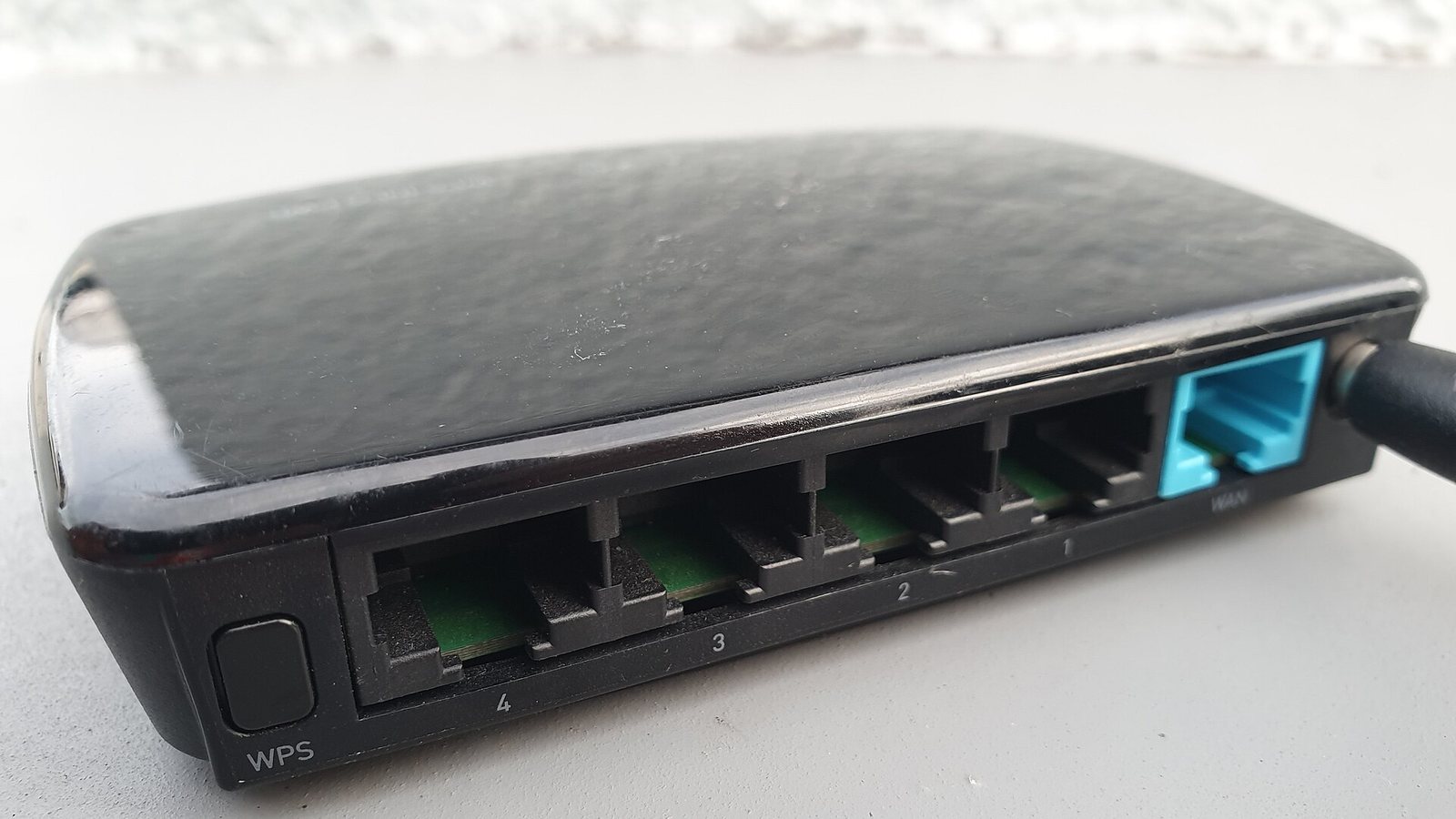
A mesh Wi-Fi system is the answer to exactly one problem: parts of your home where the Wi-Fi doesn’t reach. It is not the answer to slow internet, buffering that happens right next to the router, or a plan that’s too small for a household of streamers. Those are different problems with different fixes, and mesh marketing does its best to blur them.
We looked at the twenty best-selling home routers and mesh kits, read owner reviews filtered for “dead zone”, “drops” and “slower than before”, and checked each against independent throughput tests. The decision turns out to be simple once you separate coverage from speed.
First, diagnose: coverage or speed?
Stand next to your router with your phone and run a speed test. Then walk to the worst room and run it again.
| Result | Problem | Fix |
|---|---|---|
| Fast near router, slow or dead far away | Coverage | Mesh, or move the router |
| Slow everywhere, even next to the router | Speed — your plan, your router, or your provider’s modem | Faster plan; newer router; check the modem |
| Fast on one device, slow on another | The device — old Wi-Fi standard, or too far away | Nothing to buy; move closer or upgrade the device |
| Fine most of the time, drops occasionally | Interference or a failing router | Change channel; reboot; if it’s over five years old, replace |
Only the first row calls for mesh. Many people buy a $300 mesh kit to fix a slow $40 internet plan and are disappointed.
When a single router is enough
If your home is under about 1,500 square feet on one level and the router can sit somewhere central — not in a basement corner behind the TV — one good Wi-Fi 6 router covers it. Move the existing router first: elevation and a central location fix more dead zones than new hardware. If that’s not enough, a single modern router in the $100–$150 class (Asus RT-AX3000 or TP-Link Archer AX55, not affiliate links) will outperform an ISP-supplied box by a wide margin.
When mesh is worth it
Two floors, more than about 2,000 square feet, thick walls (brick, plaster, concrete), an L-shaped layout, or a router stuck in a bad location you can’t change. In each case one radio can’t reach, and a second and third one can. Two nodes cover most houses; three cover large or awkward ones.
Placement is the whole game. Each node must sit where it still gets a strong signal from the previous one — roughly halfway between the router and the dead zone, not in the dead zone. A node with a weak connection to the network relays a weak connection. Most mesh apps show signal quality per node; use it.
Wired backhaul — an Ethernet cable between nodes — roughly doubles what a mesh system can deliver, because the nodes stop sharing airtime with your devices. If your house has Ethernet in the walls, or you can run one cable, use it. If not, buy a tri-band mesh (one radio reserved for node-to-node traffic) rather than dual-band.
Wi-Fi 6, 6E or 7?
- Wi-Fi 6 (802.11ax): the standard to buy. Every phone and laptop from the last four years supports it; it handles a household of streamers comfortably; mesh kits cost $150–$300.
- Wi-Fi 6E: adds the 6 GHz band — fast, short-range, few devices use it. Worth it only in crowded apartment buildings where 5 GHz is congested.
- Wi-Fi 7: faster still, only pays off with gigabit-plus internet and Wi-Fi 7 devices. Most homes shouldn’t spend the premium yet.
Marketing numbers like “AX5400” or “BE9300” are the sum of theoretical maximums across bands. No single device sees anything close. Ignore them; look at the standard, the band count, and independent tests.
Four systems worth choosing from
None of these are affiliate links.
- TP-Link Deco X55 (3-pack). The value Wi-Fi 6 mesh: three nodes for roughly the price of a single flagship router, solid app, Ethernet ports on every node for wired backhaul. The default recommendation for most homes.
- Amazon eero 6+. Slightly more polished app and setup, good for people who want it to just work. Some features (parental controls, security) sit behind a subscription.
- Google Nest Wifi Pro. Wi-Fi 6E, clean design, deep integration with Google Home. Fewer Ethernet ports; better for wireless-only setups.
- Asus ZenWiFi (BT-series for Wi-Fi 7, XT for Wi-Fi 6). The power-user option: more settings, no subscriptions, robust wired backhaul. More expensive, and the app is busier.
Two things to do before spending anything
- Reboot the modem and router and update firmware. Solves a surprising share of “my Wi-Fi is slow” complaints.
- Check what you’re paying for. If your plan is 100 Mbps and speed tests next to the router show 95, the network is fine; the plan is the ceiling.
FAQ
Will mesh make my internet faster?
No. It makes the Wi-Fi reach further. Your internet speed is set by your plan and your modem.
Can I mix mesh brands?
Not in one mesh network. Nodes must be from the same system.
Range extenders vs. mesh?
Extenders halve throughput and create a second network name. Mesh keeps one network and hands devices between nodes. For anything beyond a single small dead spot, mesh is the better buy.
Do I still need my ISP’s router?
You need their modem (or modem/router combo in “bridge mode”). Their router’s Wi-Fi is usually the weakest link and can be switched off.
The bottom line
Under about 1,500 sq ft on one floor: a single Wi-Fi 6 router (Asus RT-AX3000-class, not an affiliate link) placed centrally, about $100. Larger, two floors, or a dead bedroom: a two- or three-node Wi-Fi 6 mesh — TP-Link Deco X55, Amazon eero 6+ or Google Nest Wifi Pro (none affiliate links) — placed so each node still sees a strong signal from the last. Only go Wi-Fi 7 (Asus ZenWiFi BT-class) if you pay for gigabit-plus internet and own Wi-Fi 7 devices.
What we like
- Mesh puts a radio in every part of the house, which is the only reliable fix for dead zones in a large or multi-floor home
- Modern two-node mesh kits cost about what a good single router did five years ago
- Wi-Fi 6 is plenty for almost every home; Wi-Fi 7 buys little unless you have gigabit-plus internet and Wi-Fi 7 devices
What to watch
- Mesh doesn't make your internet faster; if speed tests are slow next to the router, the problem is your plan or the router itself
- Wireless mesh nodes share bandwidth with your devices; a wired backhaul (Ethernet between nodes) is much better when you can run it
- Placing a node in the dead zone is the classic mistake — it has to be where the signal is still good
Junjie Li
Junjie researches and writes every guide on this site. No lab and no sponsors: manufacturer specs, long-term owner reviews and professional test results, then a straight answer on what to buy for each situation.